

Billed per second, one-minute minimum, at most 60 minutes per job.
The rate is the class’s, in effect when the job started. Your approval sets
each profile’s size, and so its runner class; see
route workflows.
What you pay for
- The seconds a job runs on its Darkbloom runner: from job start to job finish, intersected with GitHub’s own job start and completion.
- A one-minute minimum per job.
- Job failures, cancellations and timeouts: the time they ran.
- The runner class’s rate at the moment the job started.
What you don’t pay for
- Queue time, and the job’s boot and teardown.
- Time past 60 minutes: billable time is capped at 60 minutes per job.
- A job lost on Darkbloom’s side, such as its Mac dropping off the network or its VM being lost: the whole hold is released. Two exceptions are billed; limits and billing lists them.
- A job that runs on a Mac you own: it costs nothing.
Examples
How charges work
A job holds funds when it starts and settles to its billable time at the rate in effect when it started; the rest of the hold is released. The hold covers 60 minutes, the billable maximum. A job that cannot be paid for is not started. If an already-routed job is refused for a balance too low to hold, the job stays queued on GitHub; cancel and re-run the run, which routes again. See limits and billing.Paying
Inference, CI and sandboxes all draw on one prepaid Darkbloom balance. Add funds at console.darkbloom.dev.- Runs shows each job’s charge: held, settled or released, with the reason.
- Billing shows the rate, hold, billable seconds and cost of each charge.
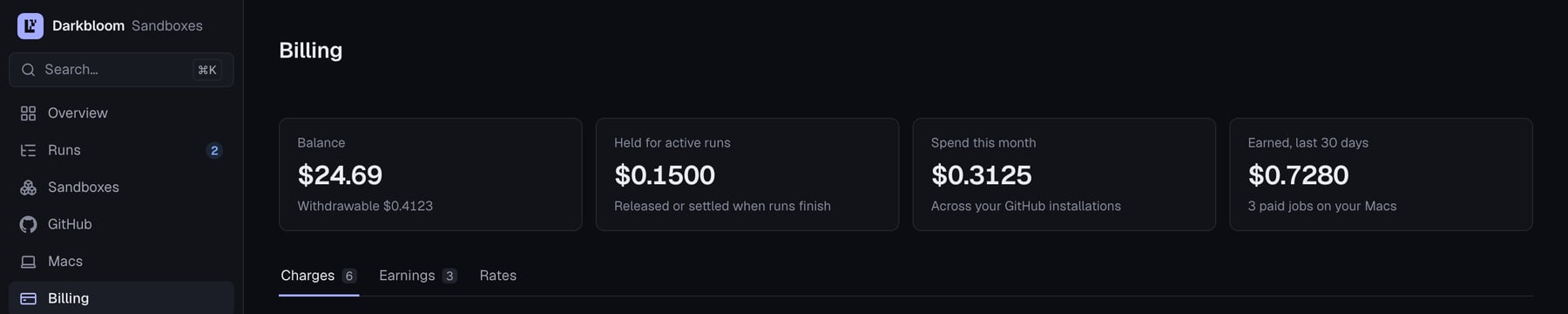
Billing in the sandbox console: charges, earnings and the live rates under Billing → Rates. Example data.